All Your PDF Tools in One Place
Fast, secure, web-based PDF editing, conversion, signing, and more. 40+ tools. No installation. No credit card required.
Free PDF Tools
How It Works
No complex setup, no software installation. Just upload your PDF and get instant results.
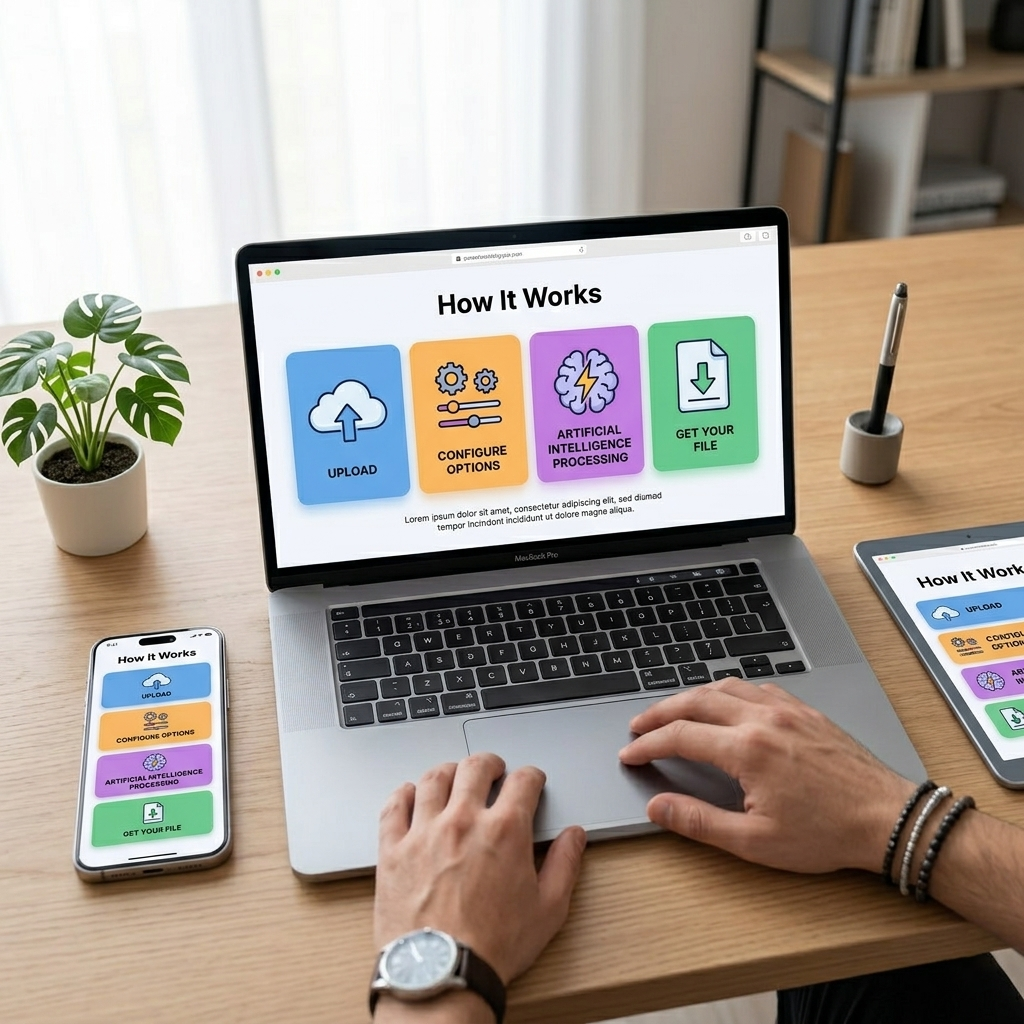
Step 1: Upload Your PDF
Step 2: Choose Your Action
Step 3: Process Instantly
Step 4: Download Your Result
Secure & Encrypted
Lightning Fast
Works Everywhere
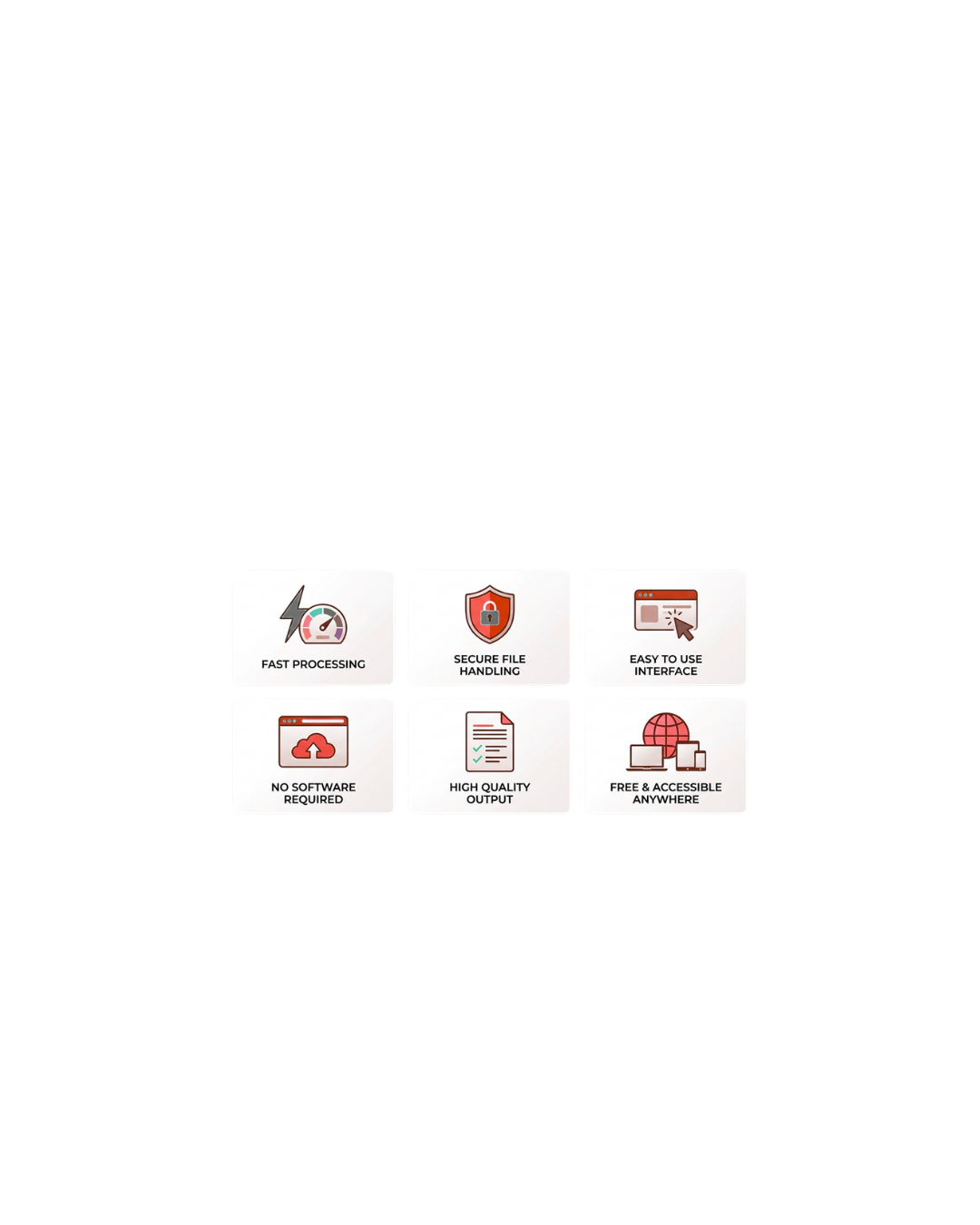
Why Choose PDF TOOLs
No complex setup, no software installation. Just upload your PDF and get instant results.
Lightning-Fast Processing
Security & USA Compliance
40+ Tools in One Platform
Affordable & Freemium
All the Tools You Need, None of the Complexity
PDFs are everywhere—in your email, contracts, reports, and archives. But the tools to work with them are scattered across expensive subscriptions and clunky software. We've brought 40+ essential PDF tools into one fast, web-based platform. No installation. No credit card required for basic tools. Just upload, select your action, and get results in seconds.
Ready to simplify your PDF workflow?
No signup required to get started with free tools
Your Documents Are Secure
We protect your privacy and comply with global security standards. Your files are encrypted, processed securely, and never stored without your consent.
End-to-End Encryption
Automatic Deletion
USA Compliant
Privacy First
Industry Certifications & Standards
ISO/IEC 27001
GDPR Compliant
CCPA Compliant
TLS/SSL Encryption
USA E-Signature Law
SOC 2 Type II
How We Protect Your Data
No Permanent Storage
No Tracking or Profiling
Secure Infrastructure
Password Protection & Permissions
Transparent Privacy Policy
Your trust is our priority. We've built PDF TOOLs with security and privacy at the core—not as an afterthought. Every design decision, every feature, every policy is guided by a simple principle: your data belongs to you.
Have security questions? Contact Us anytime. We're happy to discuss our practices in detail.
Latest Blogs
Stay updated with our latest tips, tools, and insights.
Frequently Asked Questions
1. What is a PDF tool?
A PDF tool is an online application that allows you to work with PDF documents easily. It can help you merge, split, compress, convert, edit, sign, or protect PDF files without needing special software. Online PDF tools are especially useful because they work directly in your browser and support many file formats like Word, Excel, PowerPoint, and images.
2. Which is the best PDF tool?
The best PDF tool is one that is easy to use, secure, and offers multiple features in one place. Platforms like I Love PDF provide tools for compressing, converting, merging, editing, and signing PDFs online. With a simple interface and fast processing, it allows users to manage documents efficiently without installing any software.
3. Is there a 100% free PDF editor?
4. Are online PDF tools safe?
Most reputable online PDF tools are safe when they use secure encryption and automatic file deletion. Trusted platforms process files through secure servers and remove uploaded documents after a short time to protect user privacy. Always use well-known services and avoid uploading sensitive documents to unknown websites.
5. How do you use I Love PDF?
Using I Love PDF is simple:
- Visit the tool page you want to use (merge, compress, convert, etc.).
- Upload your PDF file from your device or cloud storage.
- Select the desired action or settings.
- Click the process button to start.
- Download the processed file to your device.
The process usually takes only a few seconds depending on file size.
6. Is I Love PDF fully free?
I Love PDF offers many free PDF tools that allow users to merge, split, compress, and convert files online.
7. Which AI can edit PDF for free?
Some AI-powered tools can help edit or analyze PDF documents for free. These tools may allow you to summarize, extract text, rewrite content, or make smart edits using AI assistance. Many platforms now combine traditional PDF editing tools with AI features to improve productivity and document management.
